
Create High Performing Ads & Videos with AI
Turn product or service details, ideas, and images into high-quality ads and videos in minutes. Get more control over the creative process to generate videos that captivate viewers and grow revenue.
Built for marketers, sellers, and creators shipping social and ad videos
Generate story plans and characters with frontier AI based on your product or ideas.
Retain consistency of brand, product and characters in generated videos.
Review finished story plans and videos at one place. Edit with plain-text instructions to AI.
Pay-as-you-go credits, no subscription, 365 days to use purchases.
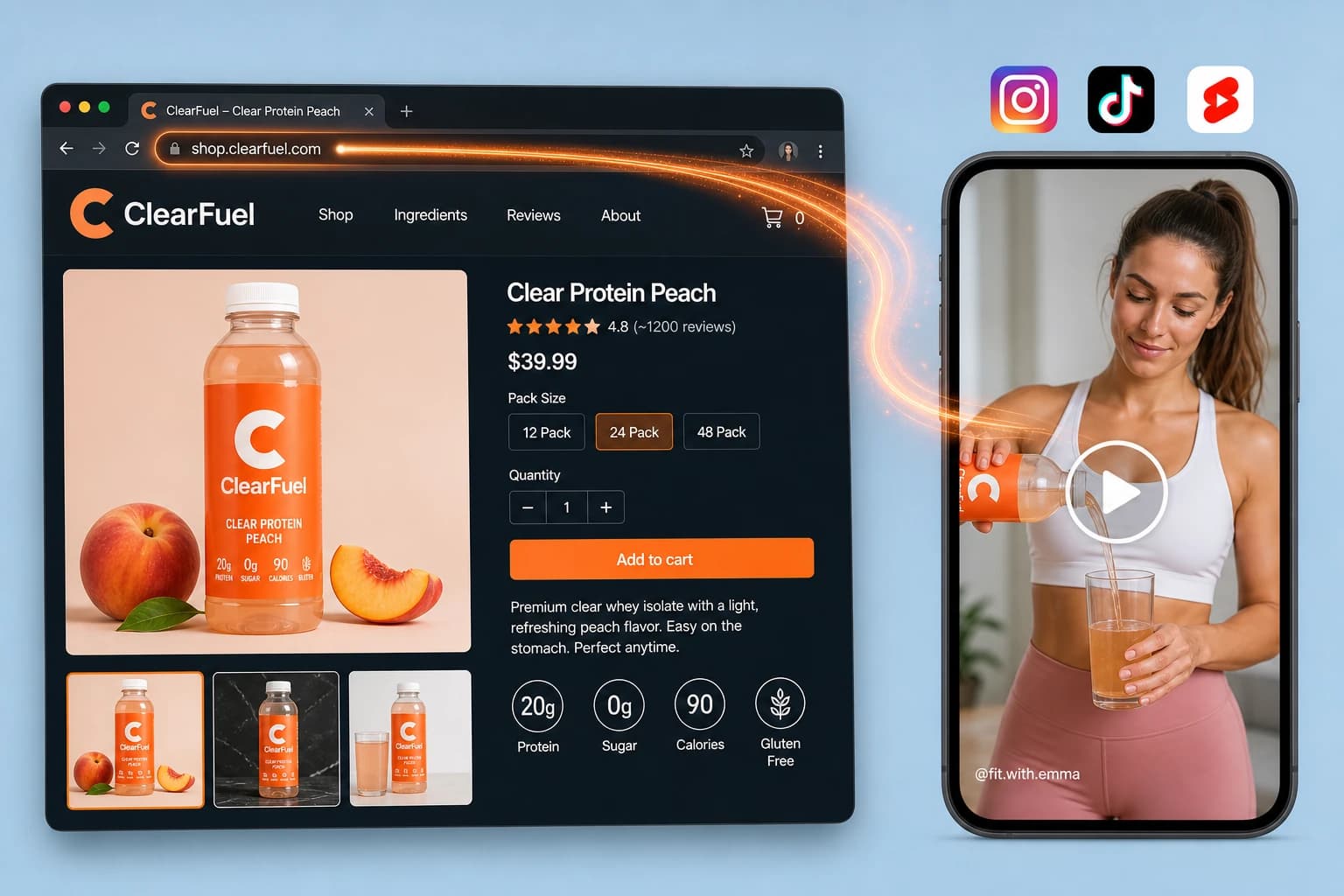
AI Video Ad Generator for Product or Service
Turn a product or service page URL (link) into video ads.
Skip downloading listing images and videos or typing the name and details, because AI retrieves them and adds them to your catalog.
From your audience, use case, and product details, AI creates a story plan with audio-visual direction, then generates videos that follow it
Review, edit, and publish video ads that engage that audience for social media, ad campaigns, and e-commerce stores
For sellers and marketers turning product or service pages into social and ad video.
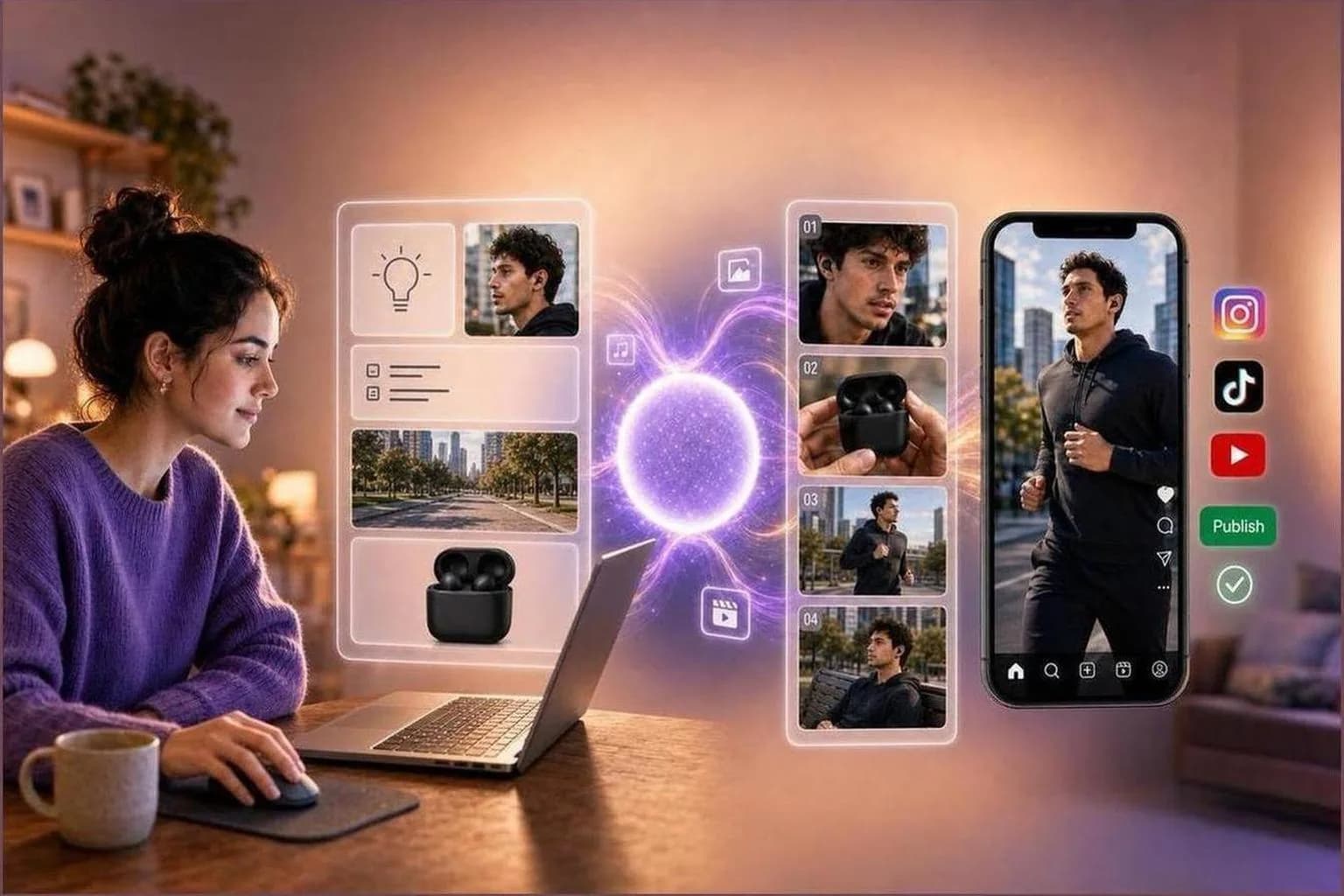
Idea to video composer
Turn your idea expressed through text and images into videos in minutes.
Create videos for promotions, explainers, storytelling, and ads
From your ideas, instructions, and attached references, get a story plan with audio-visual direction per part, then generate your video part by part
Keep look consistent with elements, saved appearances, and reference images
For teams turning ideas and references into story-driven social, explainer, and ad videos.
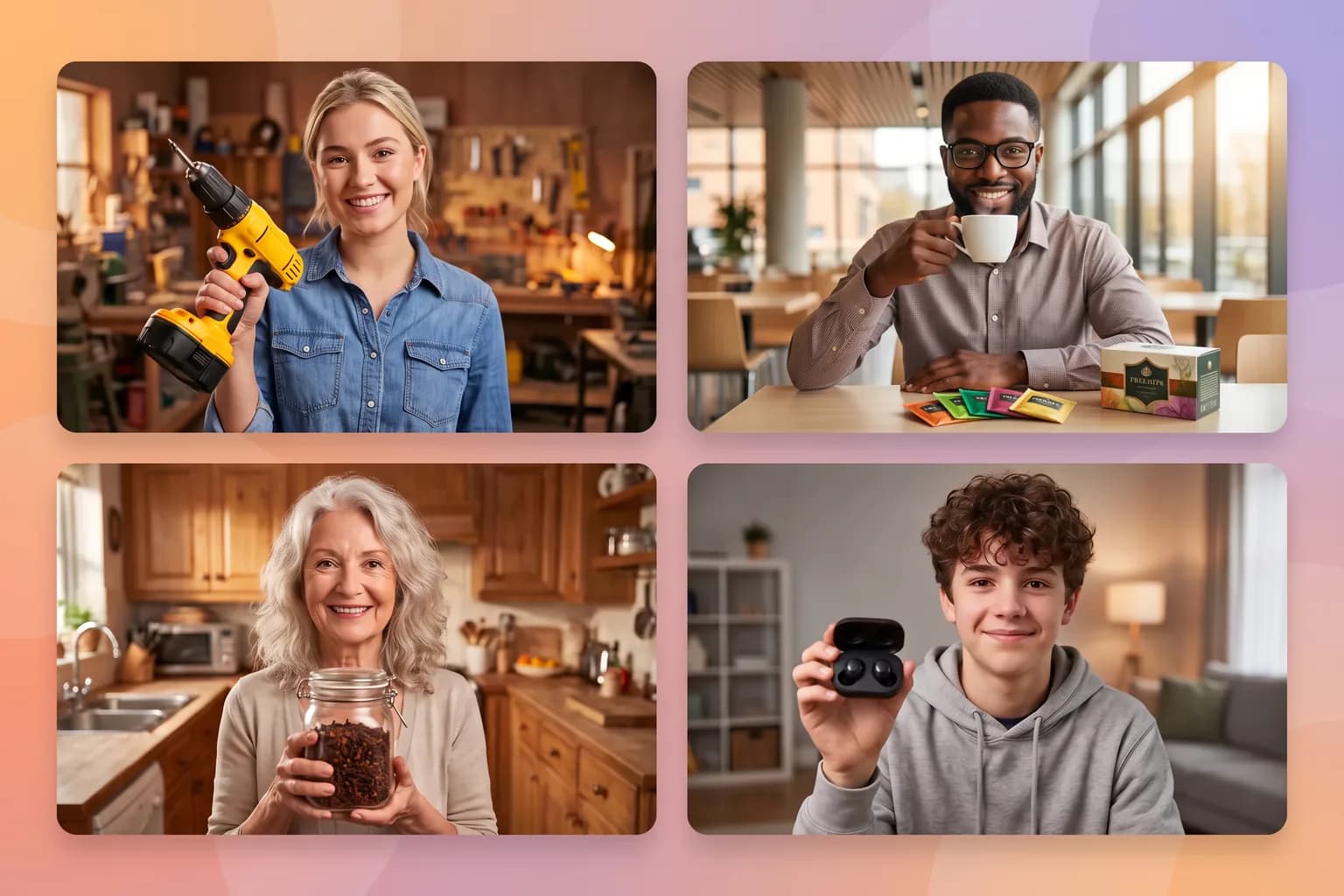
Characters built for your story, not picked from a stock library
When your plan needs someone on camera, Alkanzo creates a custom presenter using your idea, product, genre, target audience, and story plan, so you skip hours scrolling stock avatar libraries hunting for a look that only almost fits and get to video faster.
Upload reference photos or describe a look with AI, save appearances to your library, and attach them to draft elements for future videos.
Reuse the same saved appearance across promos and social posts so viewers build familiarity with your recurring presenter and brand.
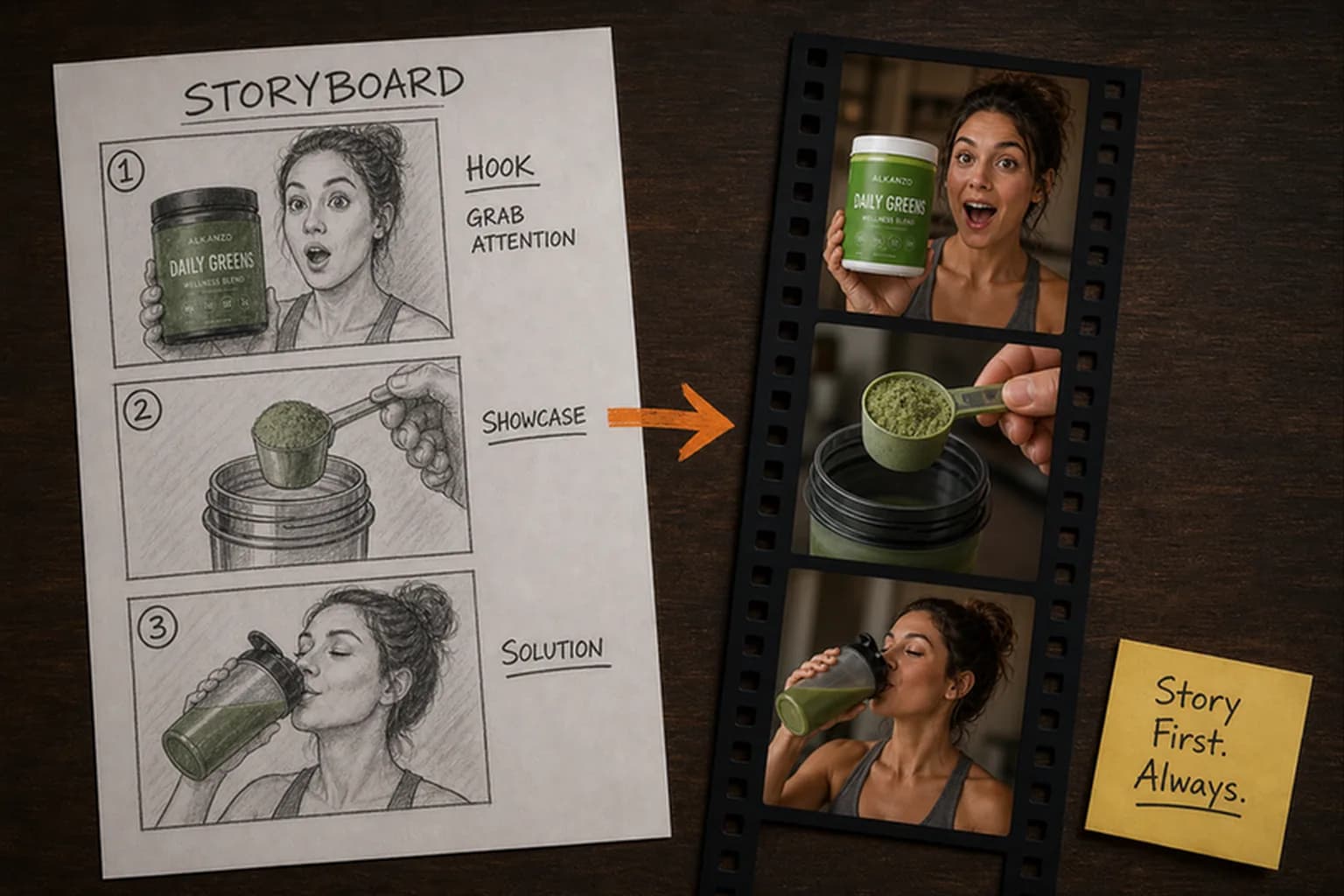
Generate videos part by part for quality, control and length
Frontier video models work best with shorter, focused prompts. Alkanzo breaks your story into ordered parts, gives each part its own audio-visual directions, then generates and stitches segments instead of cramming a full ad into one generation.
Each story-plan part carries its own dialogue, action, camera notes, and references so the model sees exactly what should be shown and heard in that beat.
Reference images, saved appearances, and frames from neighboring parts help keep characters, products, and tone continuous when parts stitch into a full preview.
Review, edit, and approve the part-by-part story plan before spending credits for creating video.
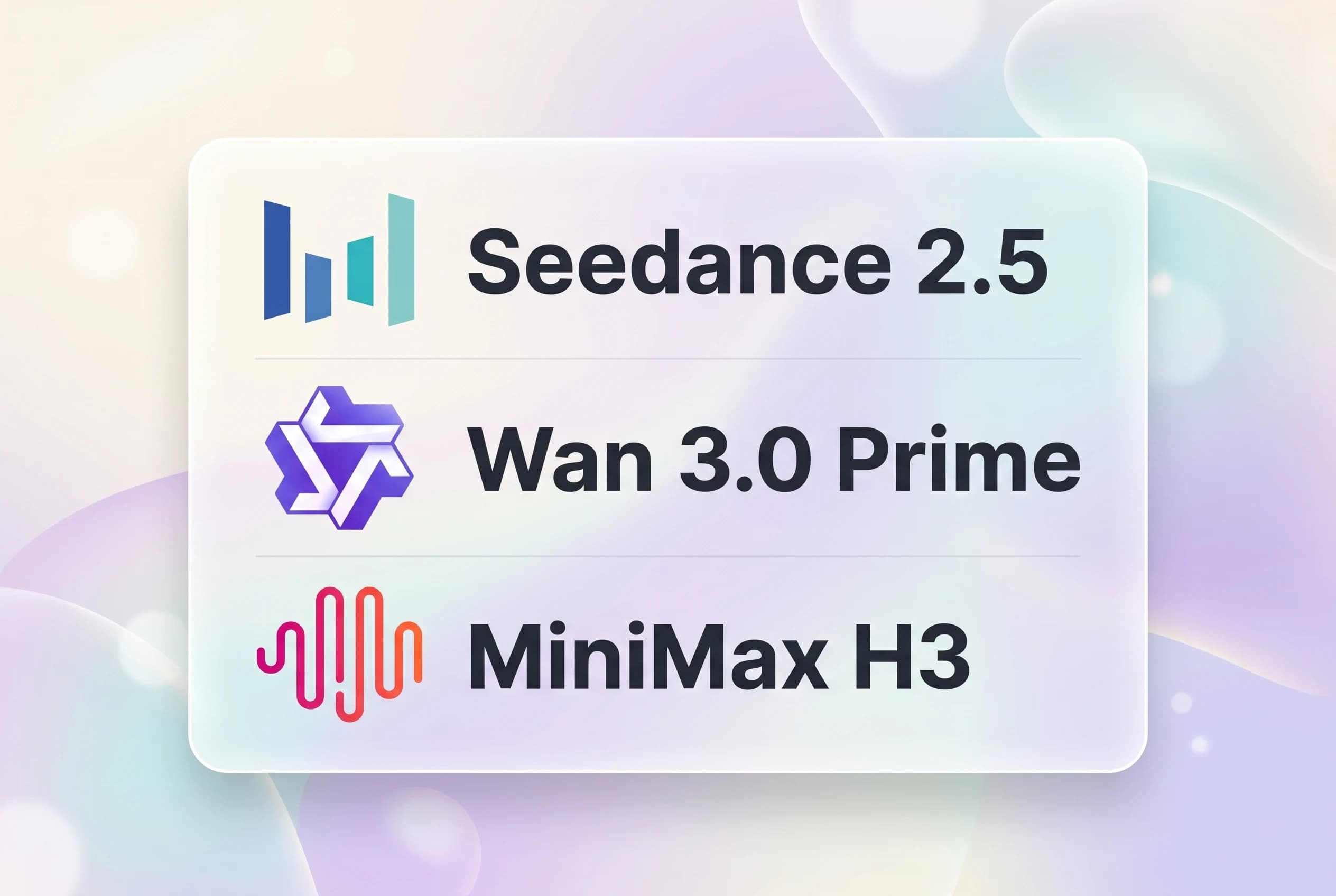
Frontier AI video models on one platform
Use Seedance 2.5, Wan 3.0 Prime, and MiniMax H3 from BytePlus, Alibaba Cloud, and MiniMax in one Alkanzo workflow, without separate lab accounts.
An AI-generated, part-by-part story plan directs what your chosen frontier video model generates in each segment, from your product and brief, before you render.
Photoreal presenters, natural motion, and consistent products, logos, and on-screen text.
Choose by what matters to your ad: photorealism, cinematic action, accurate motion dynamics, generation speed and cost, and dialogue or narration language.
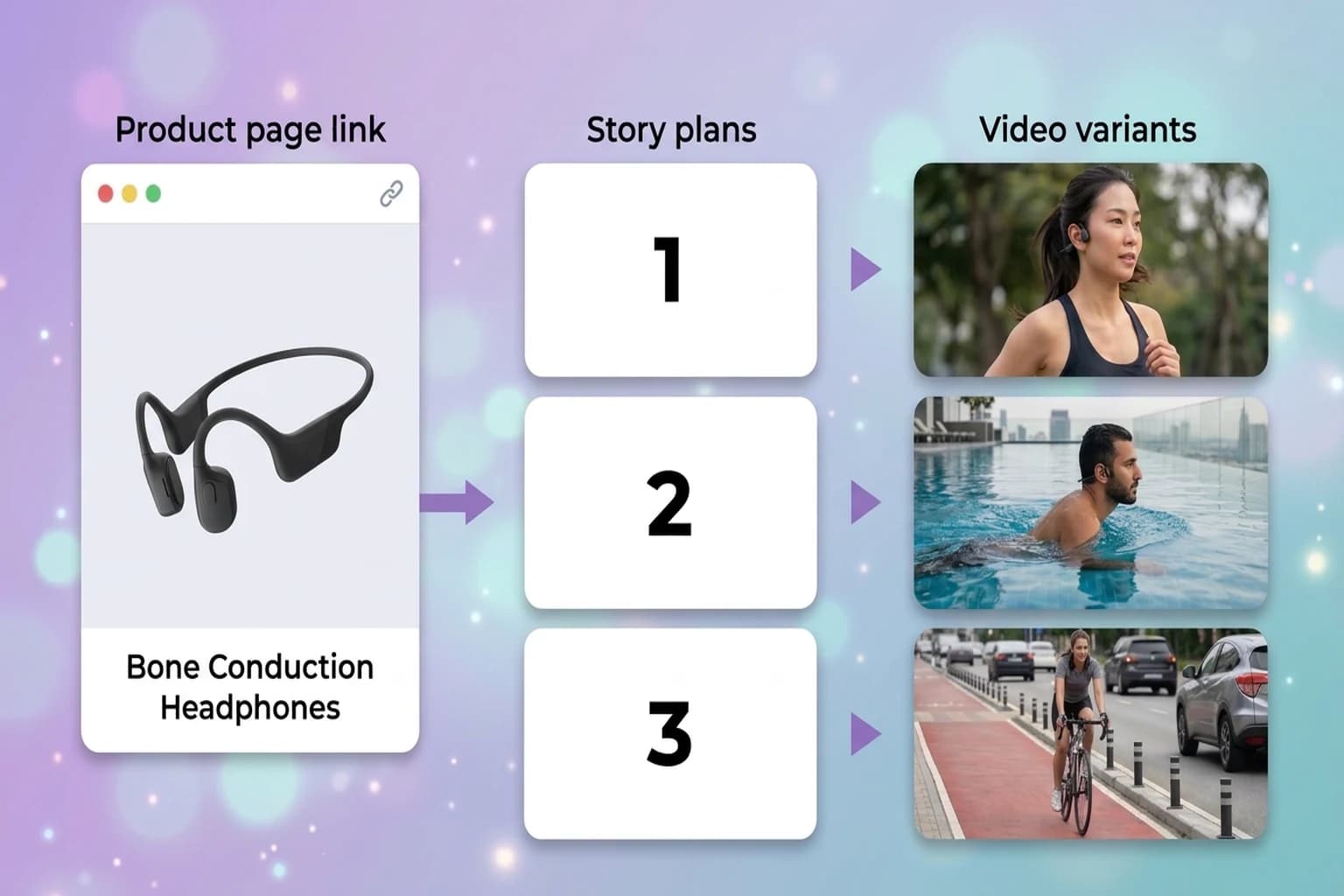
Plan and create multiple video variants in a single workflow
Set a variant count on your draft (up to 100 in one workflow), review story plans that can use different characters, locations, and appearances per variant, then create multiple videos from that workflow so you can test creative angles without rebuilding the brief for every hook.
Story plans generate in sequence, with each pass aware of earlier variants so the next plan deliberately diverges instead of echoing the first.
Approve story plans, skip what you will not ship, and generate videos in parallel for up to 100 approved variants from one creation workflow.
From Ready to Review, export variants to A/B test on ads and social, scale spend on winners, and spin up new variations from top performers.
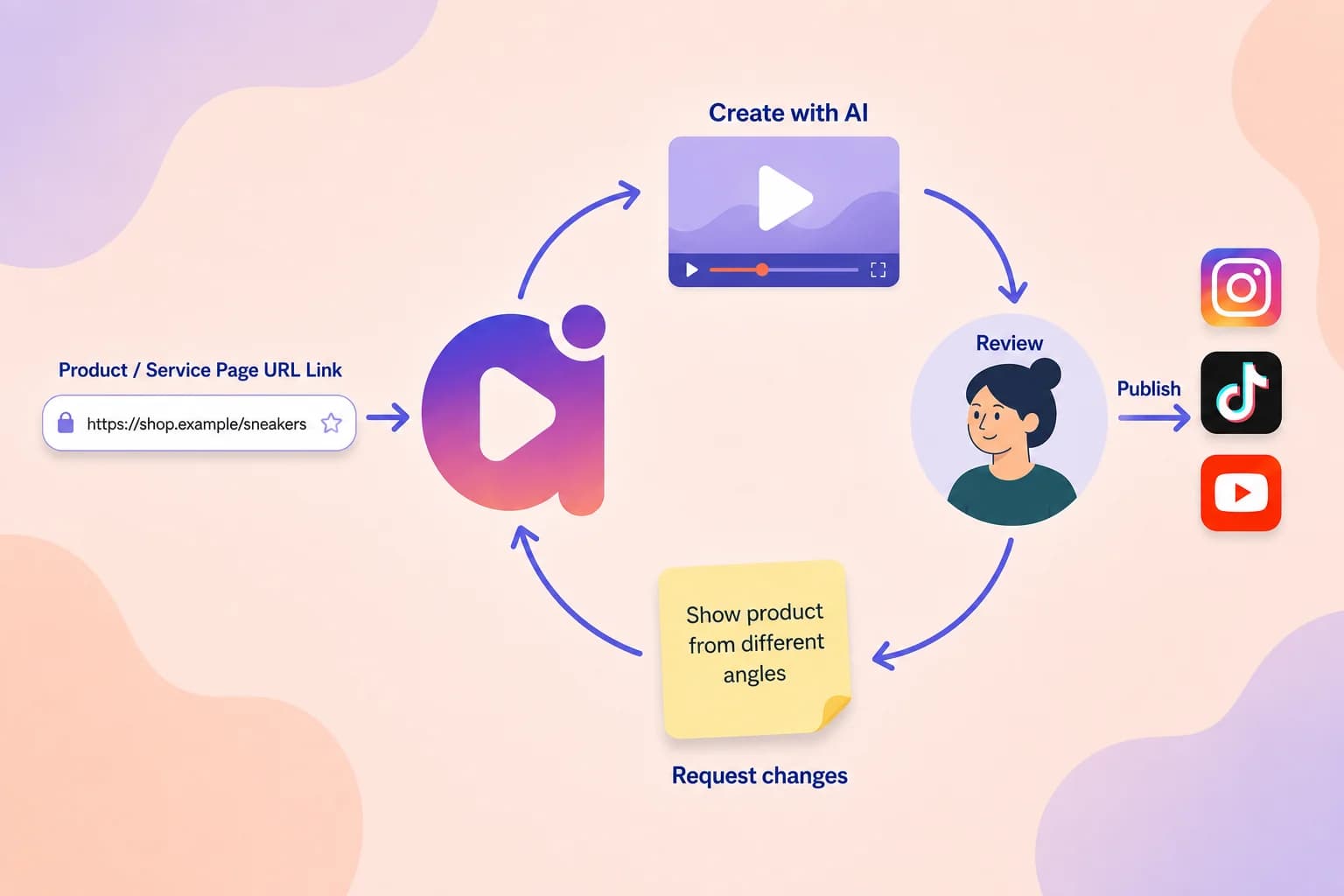
Review ready story plans and videos in one place
Stop chasing email links when AI finishes; open Ready to Review for story plans, videos, and remakes that need your eye (including failures).
Use Ready and In Progress tabs, preview in a side panel, mark items reviewed when you are done, or open any item in a new tab.
A sidebar badge highlights new Ready items since your last visit so you never miss a finished story plan or video.
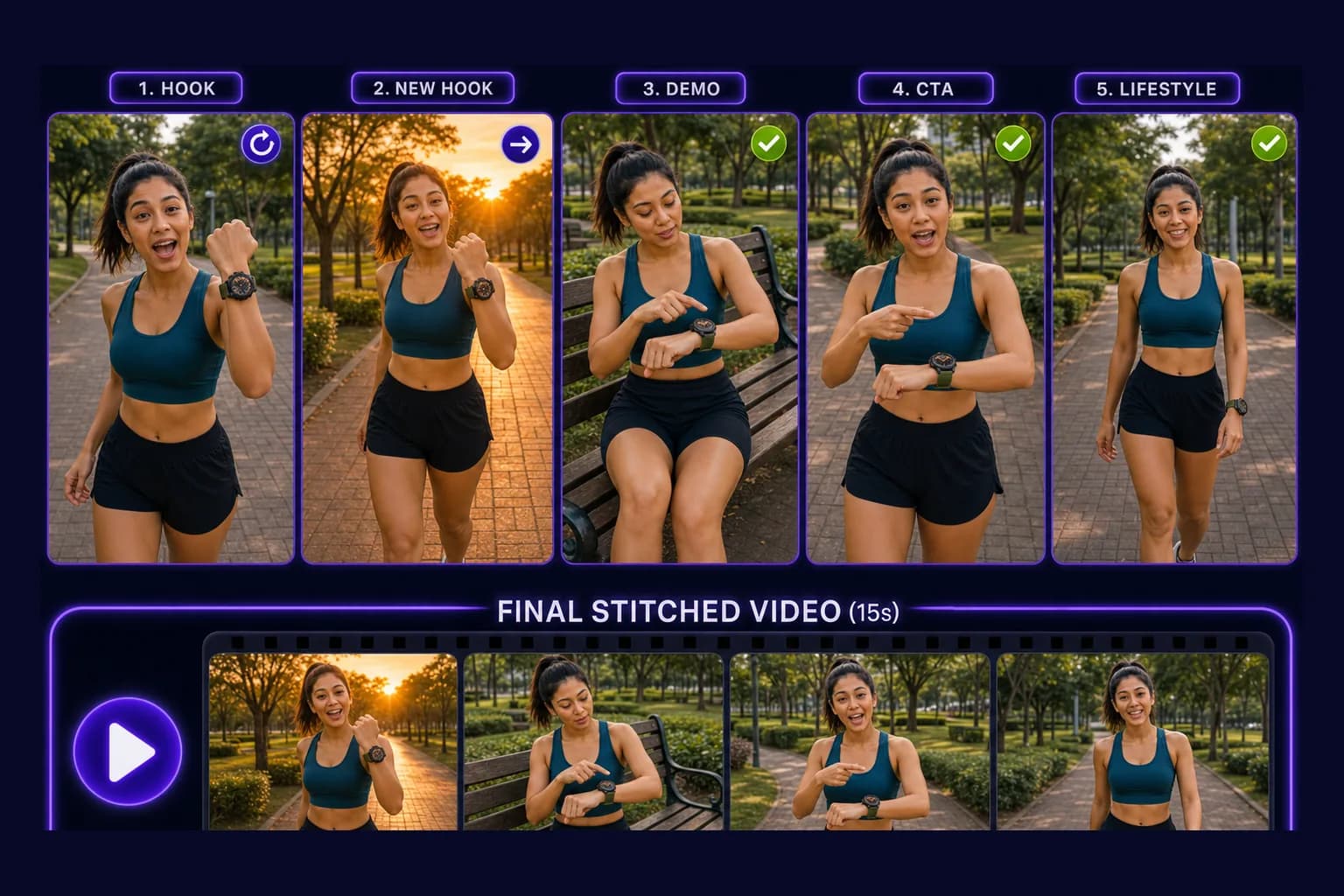
Change your video with AI by describing what you want in text
Tell AI what to change in plain language, and @mention elements or uploaded images to point at the right subjects and frames.
AI updates the story plan and applies your ideas to the parts that need it, keeping continuity across consecutive clips.
When a remake or modify finishes, it lands in Ready to Review so you can preview the new variant without digging through emails.
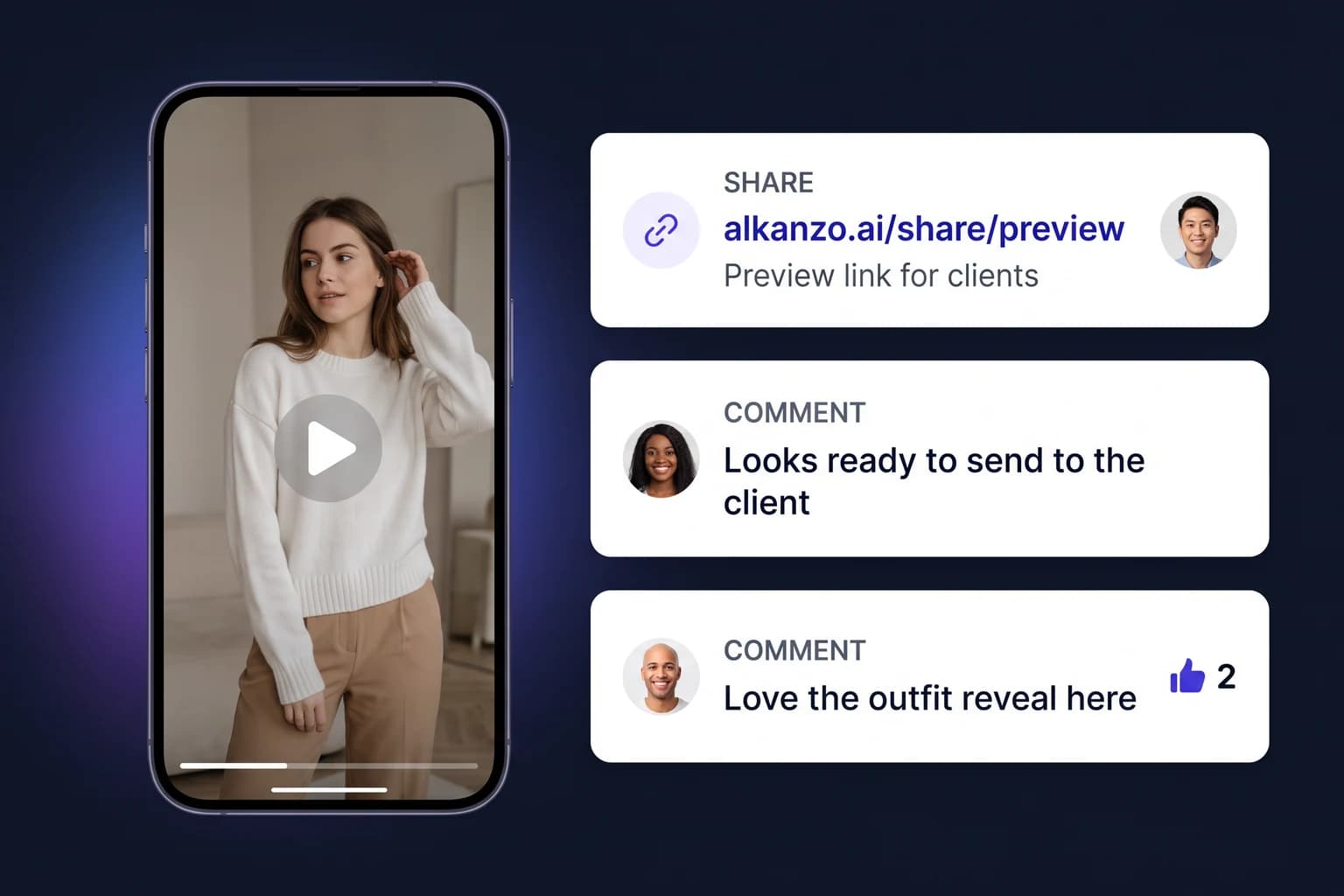
Review with clients and teammates before you publish
When the video is ready to review, share a link with clients and teammates. They watch the video and leave feedback on the preview link. No downloading or re-uploading videos. Feedback stays in one place instead of separate email and chat channels.
Send a video or creation preview link to clients or teammates before you publish.
Reviewers watch the video from your preview link. Signed-in reviewers can comment and reply.
See which feedback reviewers back and who upvoted, so you publish with clearer approval.
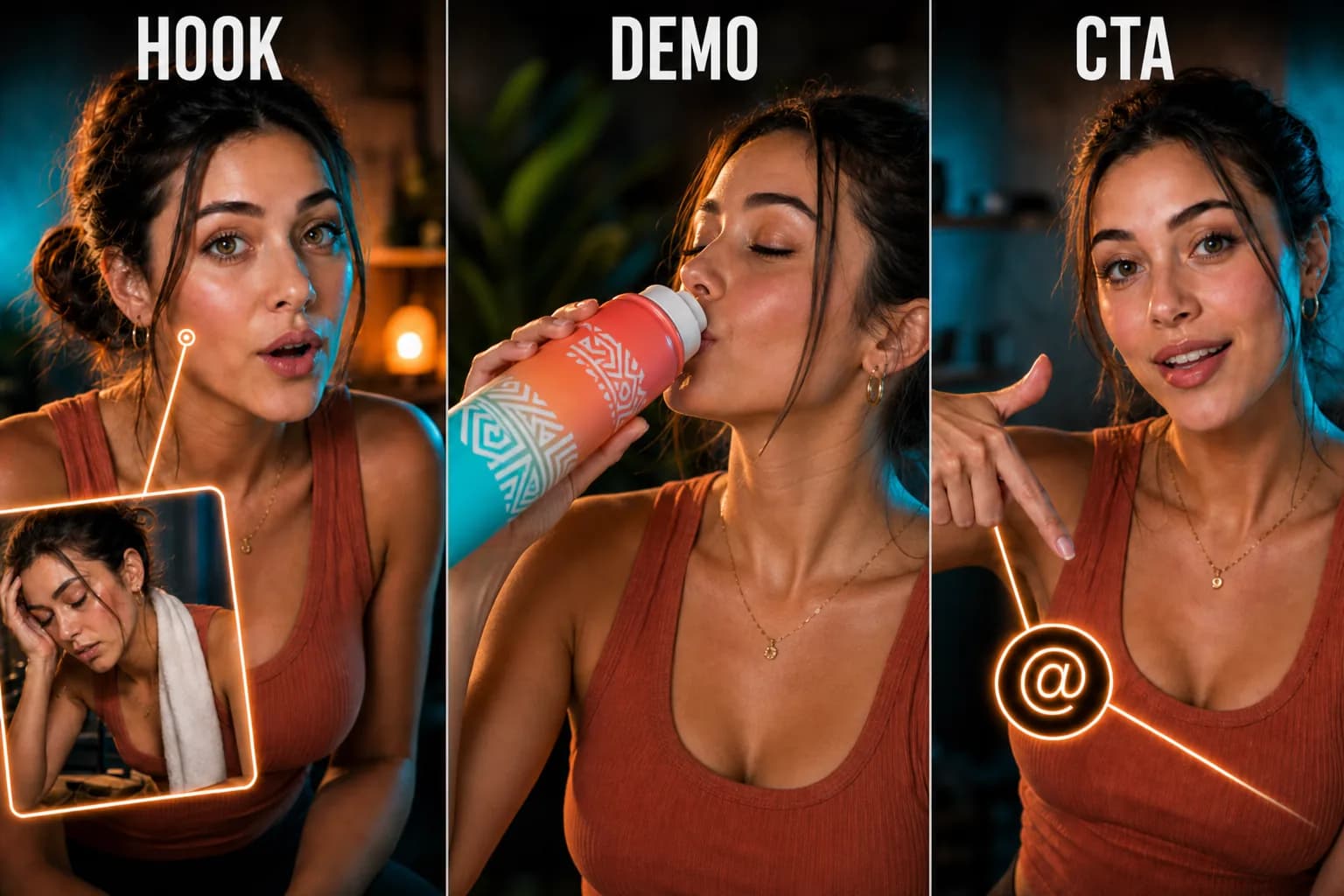
Keep characters, products, and brand look consistent
Attach saved appearances so people, mascots, and heroes stay recognizable in every shot.
Name elements and reference them with @mentions in your instructions: characters, products, logos, locations.
Reuse saved appearances and draft elements across new videos without rebuilding references from scratch.
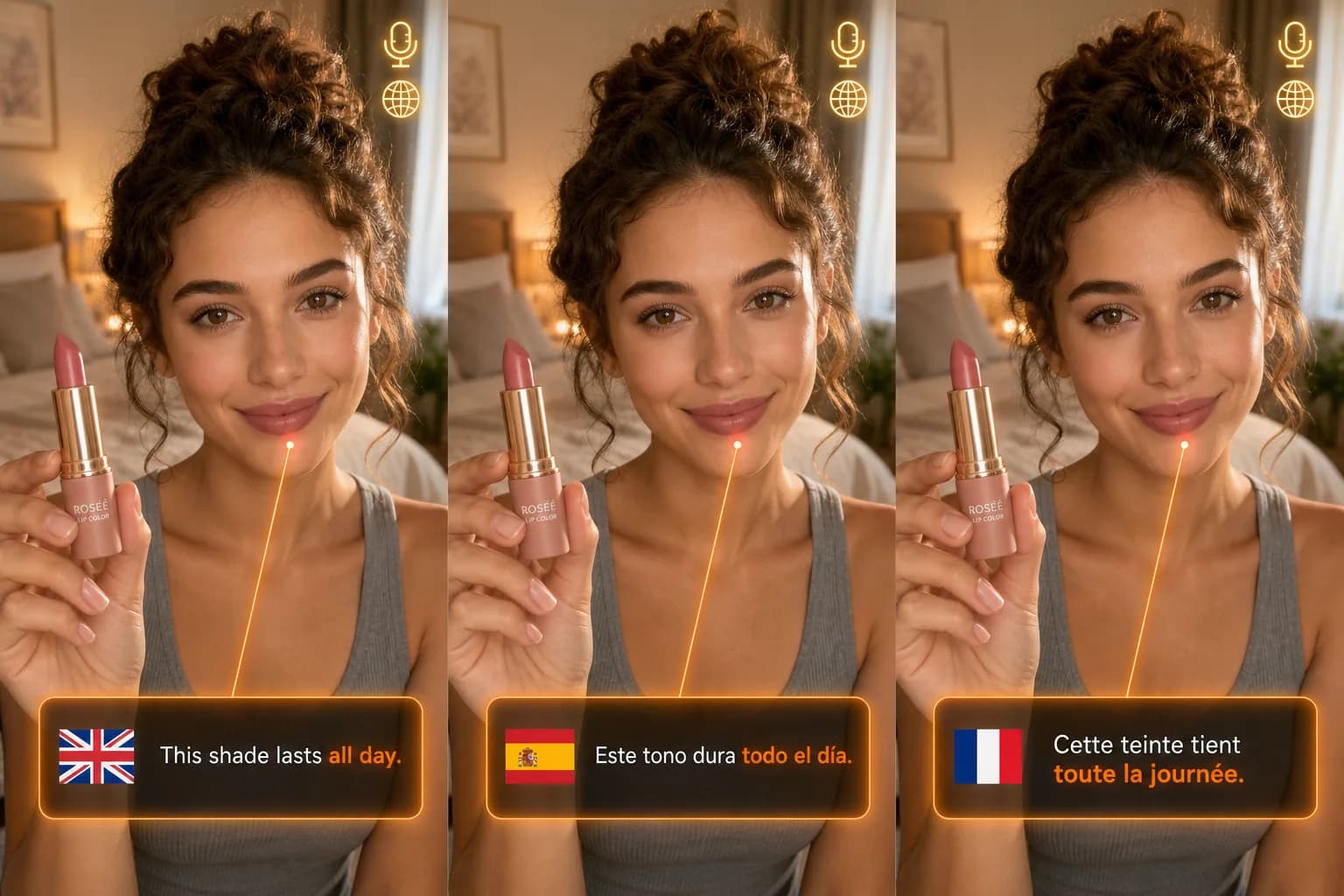
Native dialogue, narration, and captions
Pick dialogue language per draft.
Generate videos in Arabic, Mandarin, English, Spanish, Indonesian, Malay, Thai, Vietnamese, French, German, Italian, Japanese, Korean, Portuguese, or Russian, the languages natively supported for dialogue and narration.
Burn captions into your video in any natively supported dialogue language.

Make the most out of your credits with one year validity
Pay as you go with usage-based credits. Buy Creative Production packs when you need renders, with no subscription lock-in.
Spend credits on video generations and AI-assisted story planning as you work.
Unused credits stay on your team for 365 days from purchase so you can make the most of every pack together.

Teams, budgets, and Creative Production credit packs
Create teams, invite members, and share one Creative Production credit pool for the whole team.
Team managers set spending limits: a per-member monthly credit cap and a monthly automatic top-up budget in USD.
Choose a Creative Production credit pack level from 1 through 4, each with different credit amounts and prices to match your usage.
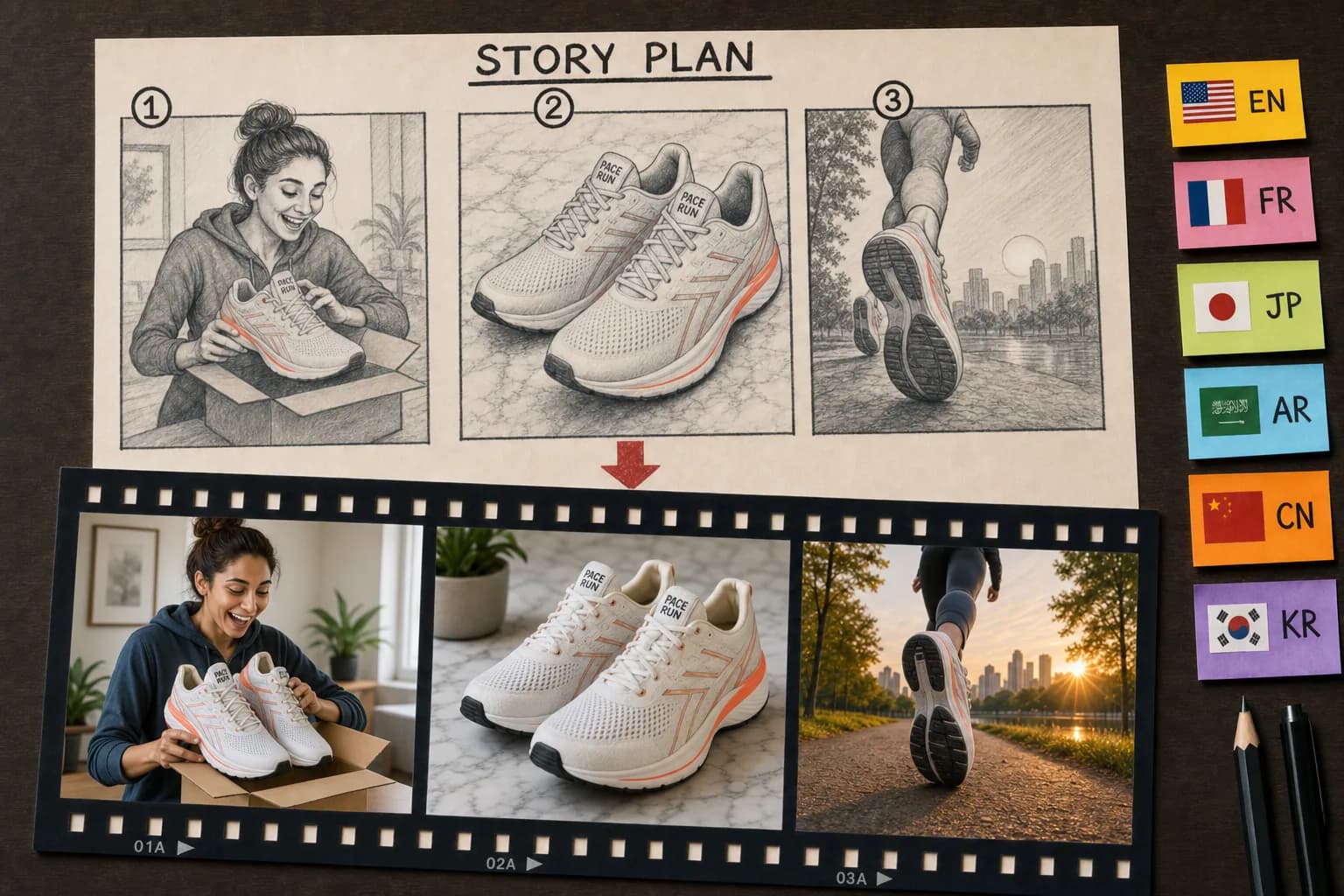
Plan and work in your language
Alkanzo in widely spoken languages: English, Spanish, Portuguese, French, German, Italian, Dutch, Arabic, Japanese, Korean, and Chinese.
Story plans and summaries follow your account language.
Set UI, story plan, and video dialogue languages independently.
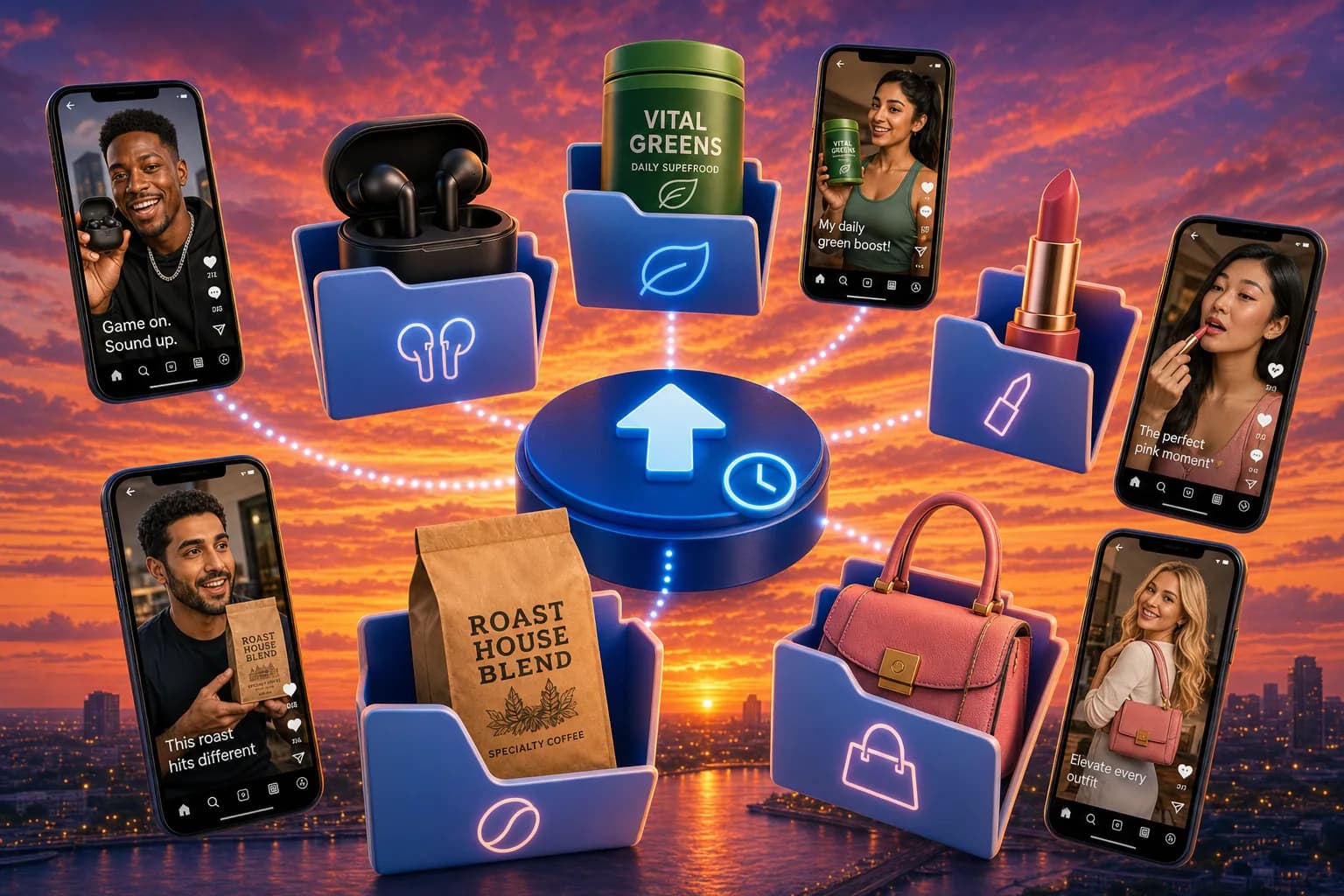
Every input and export lives in your drive
Auto-organize generations into folders with input assets and rendered creatives kept together.
Upload reference images, move files, and browse with breadcrumbs in the same workspace for all your services.
Use trash with a 30-day restore window so experiments stay safe while you iterate.
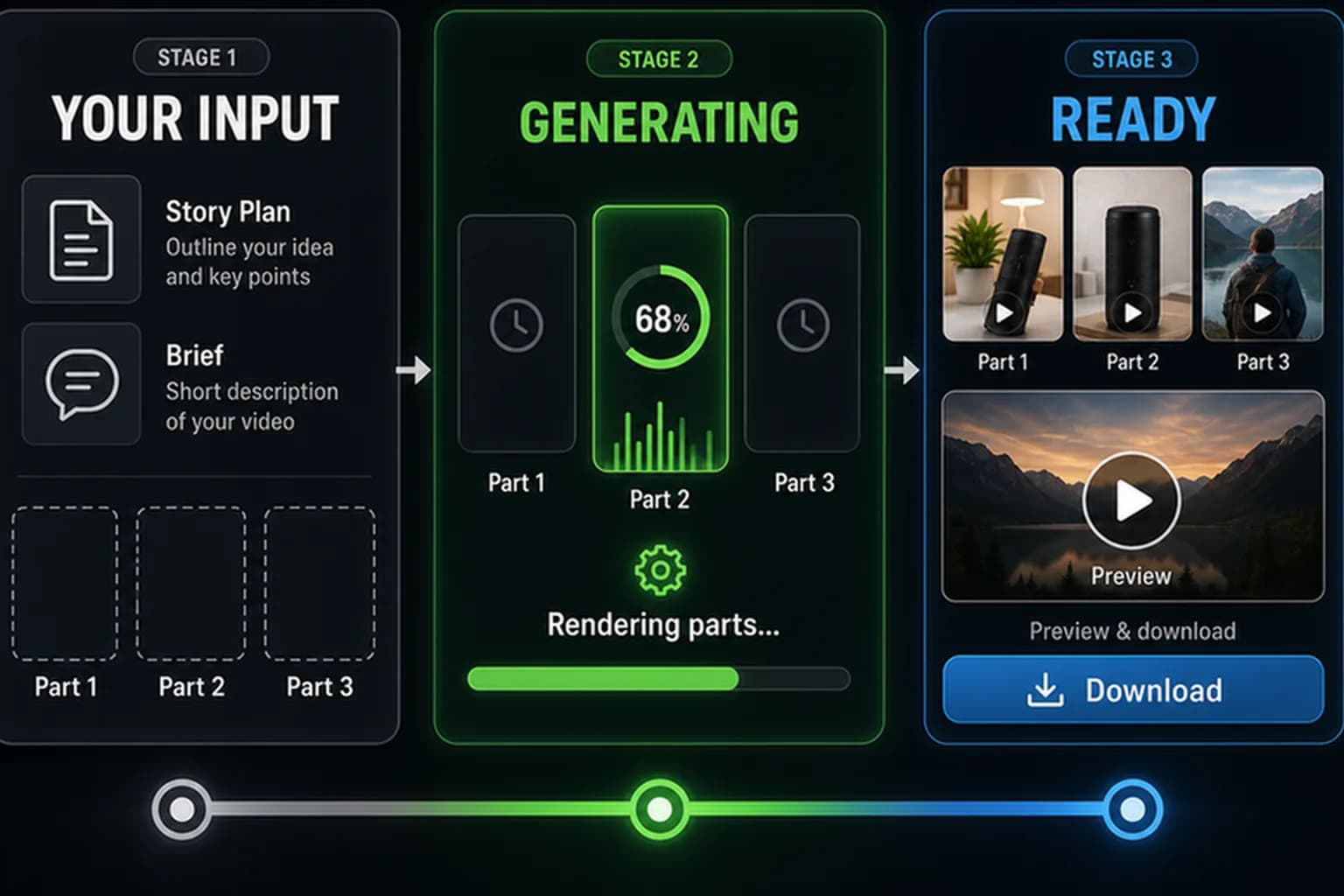
Track progress from draft to videos ready to export and publish
See pending, generating, completed, and partial states for each creation at a glance.
Jump from a service into drafts, story plans, and generation without losing context, and open Ready to Review when something needs your approval.
Stream previews in the browser with seeking, with no need to download entire files just to review a cut.
Frequently asked questions
Do I need a subscription to use Alkanzo?
No. Alkanzo uses pay-as-you-go Creative Production credits. Buy credit packs when you need to create videos. There is no subscription lock-in.
View pricingWho is Alkanzo for?
Marketers and advertisers making performance social and ad video; sellers and e-commerce teams turning product or service pages into ads; creators and small teams who want story plans and part-by-part control instead of one-shot generation; and teams that need spokesperson, fashion, or multilingual video workflows.
Create video ad from URL linkHow do Creative Production credits work, and how long do they last?
Credits pay for creating videos and AI story planning. Unused credits stay on your team for 365 days from purchase.
View pricingWhy do you show an approximate credit estimate instead of a range?
Beside each action we show one round number: the midpoint of a high-level planning estimate for that action. Compare that midpoint to your team's available Creative Production credits and spending limits on Manage plan, without anchoring on the highest planning figure. After each generated video clip or image, Alkanzo checks quality, including alignment with your story plan and any audio or visual issues. When we find problems, we automatically try to fix them by regenerating that clip or image inside the pipeline. Those repair steps use extra credits, so the total can vary. Open the info icon beside an estimate to see the planning spread we use for that action. When quality checks pass without extra regenerations, many jobs use about that midpoint or fewer credits.
View pricingCan I create video ads from a product or service page URL?
Yes. In Product URL to Ad, paste a public product or service page URL. Alkanzo pulls listing media and details into your workspace catalog, uses frontier AI models to create the story and audio-visual direction from target users, use cases, and description so video generation follows that plan, and opens a video draft you can review before you create videos. You avoid manually downloading listing assets or retyping product name and description. When story plans or ads finish generating, open Ready to Review to preview them without hunting email links.
Create video ad from URL linkWhat is the Idea to video composer and what problems does it solve?
The Idea to video composer turns your text and reference images into structured story plans and finished videos. On a video draft you add ideas and instructions, optional reference images, genre, and output settings, generate a story plan, then create videos part by part. It helps when you need social, explainer, or ad videos without building every shot manually, when you want saved appearances, named draft elements, and reference images to keep look consistent, and when you want to update one part without remaking the full video. When story plans or videos finish, review them in Ready to Review instead of waiting on loading screens or email links. Export for Instagram, TikTok, YouTube, Facebook, Shopify, Amazon, Etsy, Alibaba, and other social or store channels.
Compose video from your ideaWhy does Alkanzo generate videos part by part instead of one long clip?
Frontier video generation models limit how much text, dialogue, and direction fit in a single prompt. Alkanzo turns your idea or product into a structured story plan with ordered parts. Each part gets its own focused audio-visual instructions (what is shown, said, and heard in that beat), reference images, and saved appearances. Alkanzo generates shorter segments that respect those prompt budgets, uses reference frames and continuity rules to link consecutive parts, and stitches them into a full preview at the length you want, from a quick hook to a longer ad. You approve the plan before renders, preview each beat in the UI, and later use Modify with AI to change one part without remaking the whole video when the plan allows. That is why part-by-part generation delivers more precise control and better use of model limits than one-shot long renders on many template-first platforms.
Compose video from your ideaHow do multiple variants work in Alkanzo?
On the draft editor you set a variant count, then create story plans. Alkanzo generates one story plan per variant in sequence so each plan stays significantly different from the others, including characters, locations, and appearances when your brief allows. You can review plans, skip variants you will not ship, and create a separate video for each story plan you keep, including with Create Videos When Ready while planning still runs.
Compose video from your ideaCan I fix one scene without regenerating the whole video?
Yes. Variants are built from ordered parts in playback order. On the variant page, use 'Modify this variant with AI' to describe your change. AI updates the story plan, keeps unchanged parts when they still fit, and regenerates only the parts that need new video, keeping continuity with consecutive parts. You get a new variant to compare and preview the stitched full video.
Open My CreationsCan I share a video for client review and approval before publishing?
What is an appearance, and how should I use it?
An appearance is a reusable visual identity you create from uploaded photos or AI-generated reference images. Save appearances for characters, animals, products, logos, fonts, or locations in Saved Appearances, attach one to a named element on a video draft, then @mention that element in your ideas and instructions so the same look stays consistent across shots and new videos. Best practice: define each appearance once with clear reference photos, reuse it across drafts, and mention the element it is attached to by name when you want that look to appear.
Open Saved AppearancesHow do I keep the same people, products, and brand look across ads?
Attach appearance references (saved visual looks for people, products, logos, and more) to named draft elements, then @mention those elements in draft ideas and instructions, such as characters, products, logos, and locations. Reuse saved appearance and draft elements on new videos.
Compose video from your ideaWhat languages can I use for the app, story plans, and spoken dialogue?
App UI: English, Spanish, Portuguese, French, German, Italian, Arabic, Japanese, Korean, and Chinese. Spoken dialogue and narration: Arabic, Mandarin, English, Spanish, Indonesian, Malay, Thai, Vietnamese, French, German, Italian, Japanese, Korean, Portuguese, or Russian. Set UI, story-plan, and dialogue languages independently on the draft.
Compose video from your ideaCan Alkanzo burn captions into my videos?
Yes. On the video draft, turn on Include captions to burn them in with a supported dialogue language, and set caption style before you create the video.
Compose video from your ideaCan my team share credits and control spend?
Yes. Teams share one Creative Production credit pool. Managers can invite members, set monthly credit caps, configure automatic USD top-ups, and choose pack levels 1 to 4.
View pricingWhere do my inputs and finished videos live?
Inputs and exports live in My Drive, organized in folders. Trash keeps deleted items for 30 days. Creation media (parts, stitches, and related files) is kept for 180 days. After that, media may be removed while story-plan text can remain.
Open My DriveWhere can I see sample videos made with Alkanzo?
The Sample videos page shows finished Alkanzo ads you can watch without signing in. Open any sample to inspect its story plan, reusable elements, and variants so you understand structure and quality before you spend credits on your own draft.
Browse sample videosHow does Alkanzo.ai compare with Creatify.ai?
Both turn product URLs and scripts into performance video ads, but they solve different bottlenecks. Creatify.ai fits teams that want instant stock avatars, ad templates, broad language coverage, and optional ad-network launch tools inside one subscription. It's ideal when a familiar stock presenter is close enough and monthly credit renewals match your pace. Alkanzo.ai fits marketers, e-commerce sellers, creators, and founders who need more creative velocity without the production treadmill: paste a URL once into a permanent workspace catalog and reuse listing details for every refresh; launch multi-variant tests from one product to find winning hooks faster; get async Ready to Review with email when variants finish instead of watching render bars. Before actions that consume significant credits, like creating videos, Alkanzo.ai shows a credit estimate range so you see likely cost before you commit, for more predictable budgets than opaque per-render surprises. When ROAS drops, Modify with AI and part-by-part story plans regenerate only affected scenes when possible instead of remaking the whole ad. Part-by-part generation also fits frontier video model prompt limits: each segment gets focused direction for what to show and hear, with references keeping continuity when parts stitch to your target length. Characters are built for your offer, not chosen from a stock library. Burned-in captions in 15 dialogue languages use the video generation model for more accurate pronunciation. Pay-as-you-go Creative Production credits last 365 days per purchase with no subscription lock-in. Buy when you need fresh creative, not every month by default.
Read detailed comparison: Alkanzo.ai vs Creatify.ai